PostCut
Cut it, post it.
The fastest way from “I have a video” to “it's ready to post”. PostCut is not a video editor — it's the Windows app you reach for when opening an editor feels like too much: cut exactly the clip you want, crop it to the platform's shape, and export a file that's ready to upload. In under a minute.
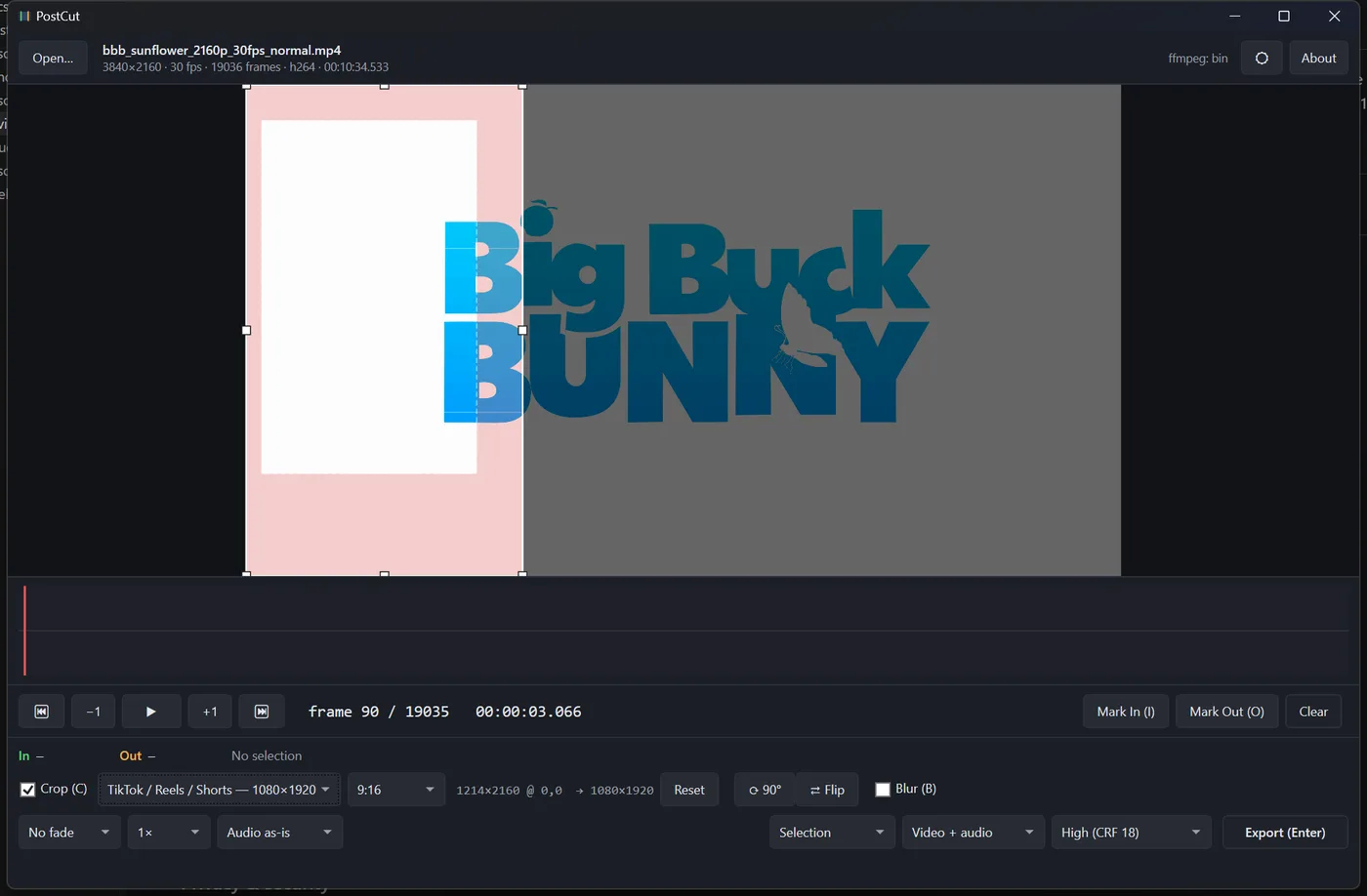
Frame-exact cutting
Step frame by frame, mark in, mark out. What you marked is what you get — to the exact frame, even on variable-frame-rate screen recordings.
One click per platform
TikTok / Reels / Shorts (9:16), Instagram portrait (4:5), Square or YouTube — one preset locks the crop shape AND exports at the platform's exact delivery size, so nothing gets re-scaled server-side.
Safe-zone guides
See the bands TikTok, Reels and Shorts cover with their own buttons and captions — while you crop, not after you post.
Fit a size cap
Pick “Fit 10 MB” (Discord) or “Fit 25 MB” (email) and PostCut computes the right bitrate from your clip's real length.
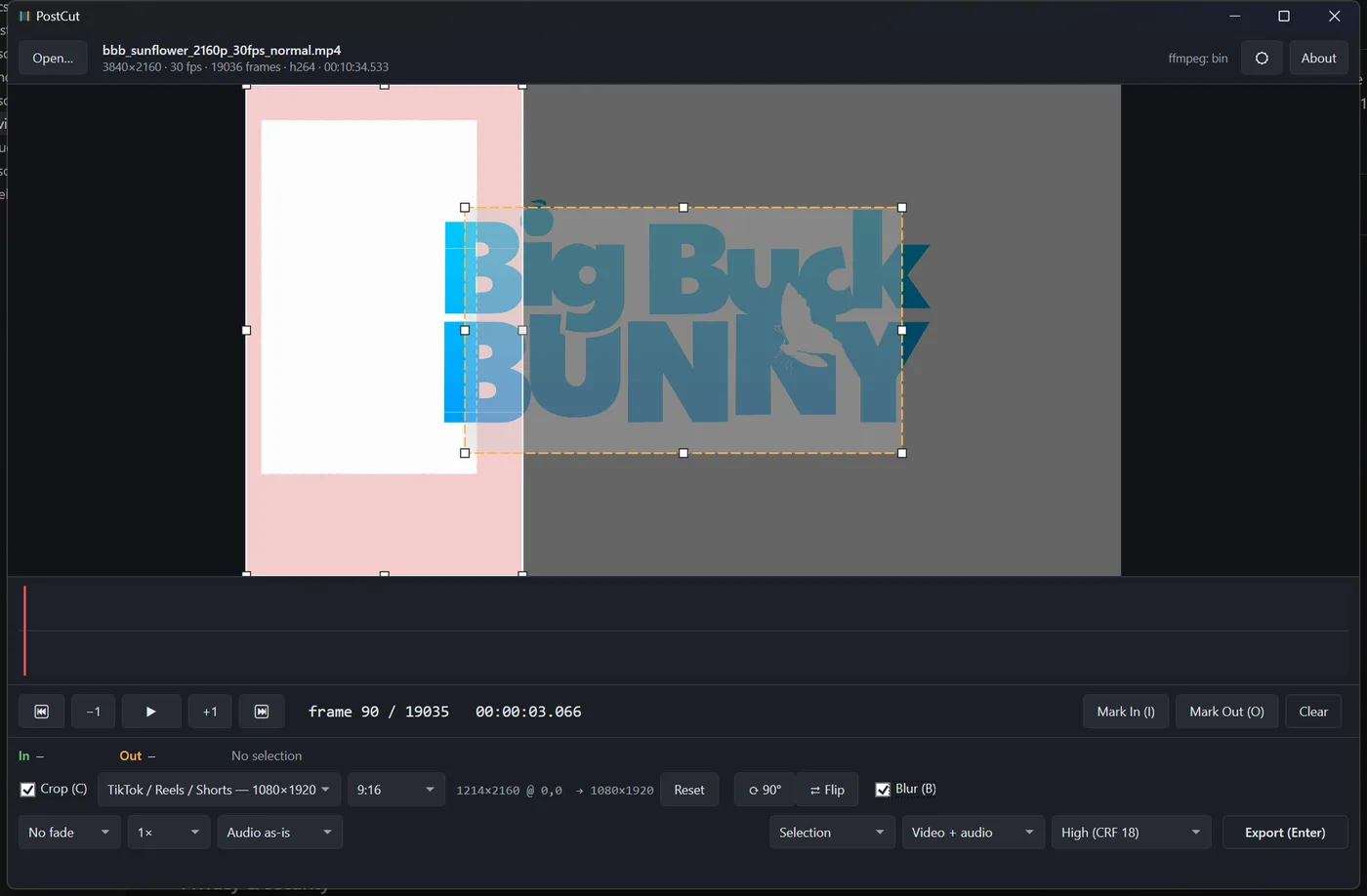
Blur what shouldn't be seen
Drag an amber rectangle over a face, a name or a notification — it's blurred beyond recognition in the export.
The quick-job toolkit
Rotate and flip. Fade in and out. Speed 0.5×–4× with pitch preserved. Normalize audio to platform loudness. Export a GIF. Extract the soundtrack losslessly, or mute it.
Free here, precise there
The free video tools on this site trim, compress, convert, resize and GIF right in your browser — great for a quick one-off. PostCut exists for the jobs a browser tab can't do well: stepping through footage frame by frame, visual cropping with platform presets and safe zones, region blur, and heavy files that would exhaust a tab's memory. Same privacy, more precision.